Export not complete PDF and PNG
1, the entire drawing board → share → export to PDF, export to PNG
2, select the elements of the board box → right-click → copy as PNG to the clipboard → Photshop in the new canvas
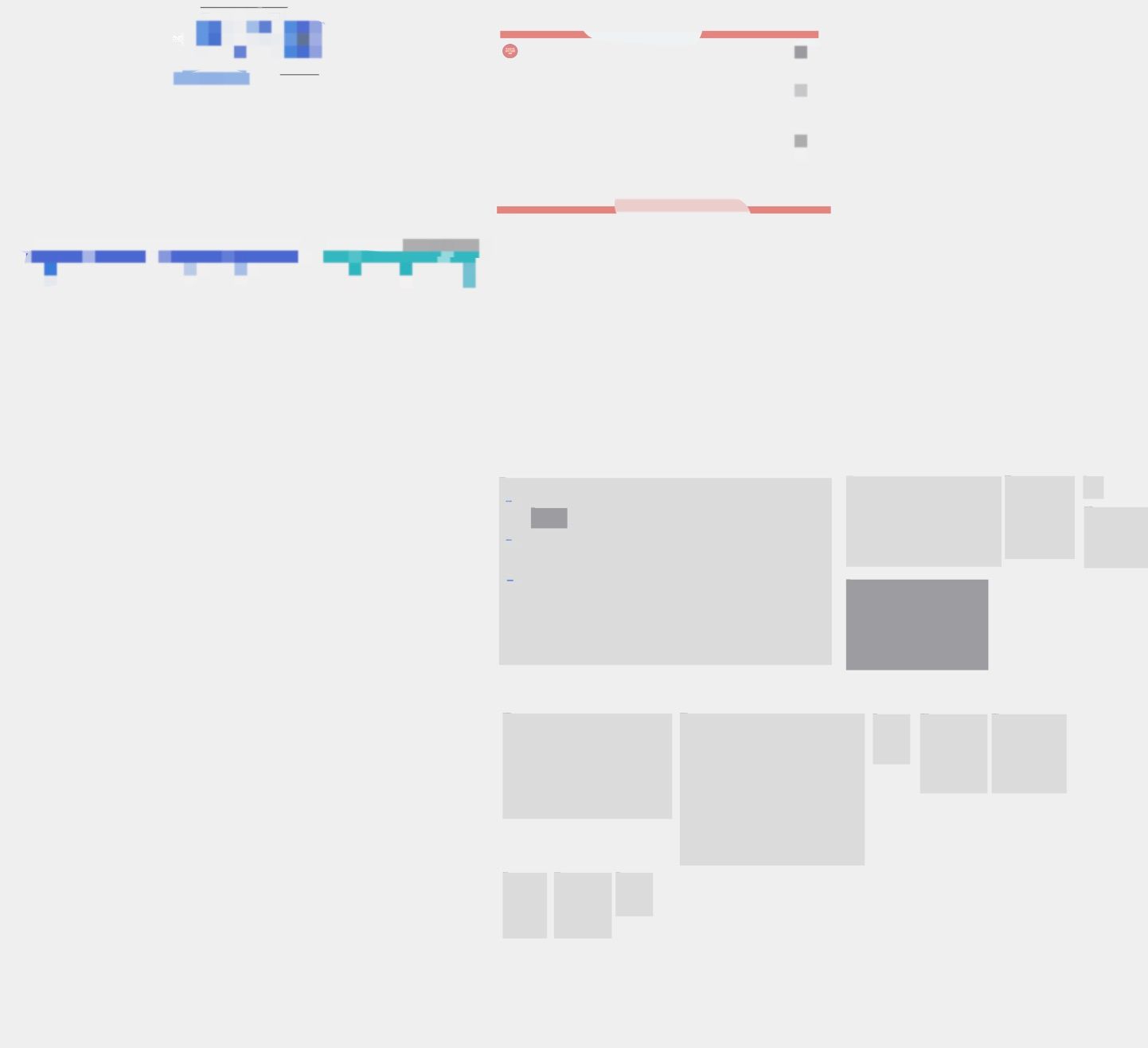
- Two export methods "export the entire board" or "export a piece of the board content", the exported content are incomplete, only a small amount of information can be exported
(You can only export shapes drawn by the shape tool, a small amount of text information, the background of the frame, etc., such as sticky notes and internal text, cards and internal text, etc. can not be exported.)
- You can only export images by taking screenshots one by one.
Log in to comment and vote
Comments1
Alex Lau
Dec 31, 2025
Thank you for the report, we will check it